
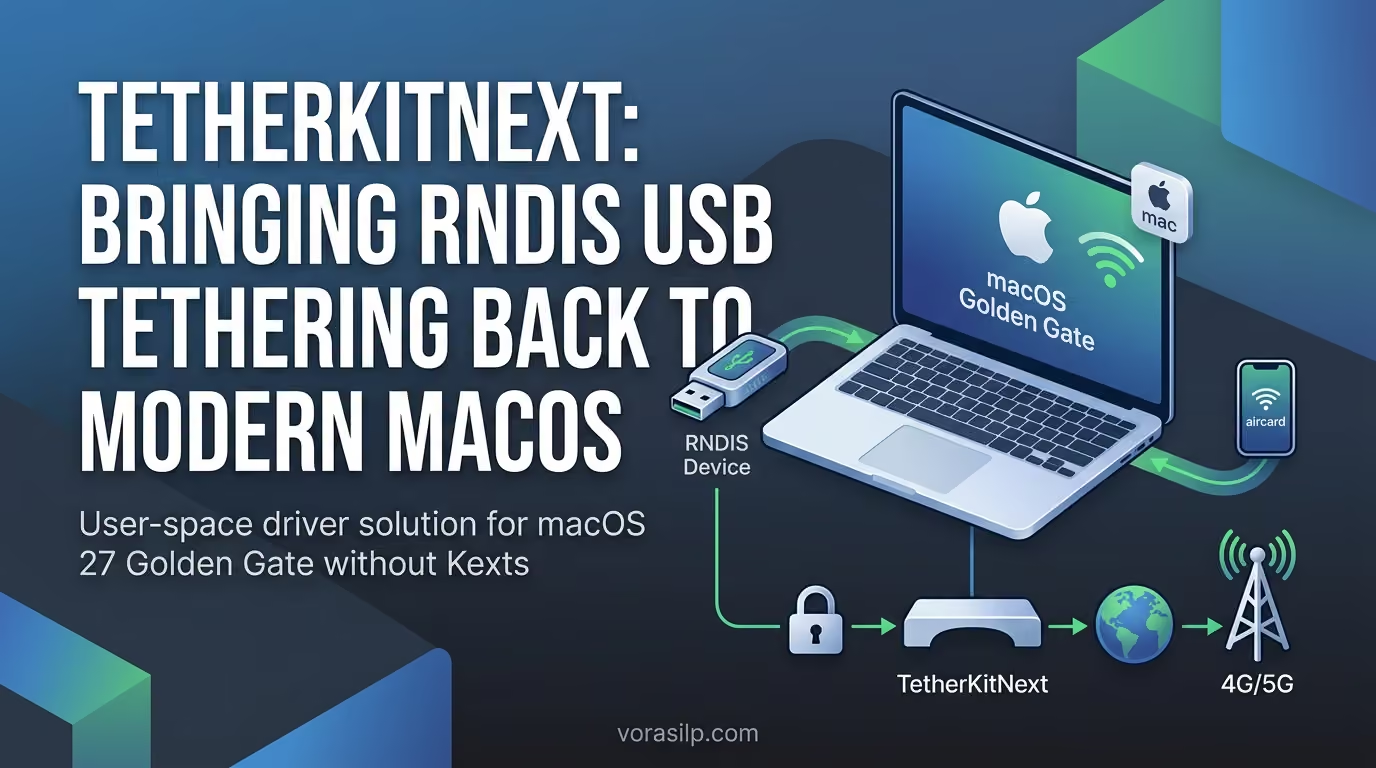
If you have ever tried connecting an Android device or an RNDIS USB modem (such as a 4G LTE dongle) to a Mac, you’ve likely bumped into a frustrating wall: macOS does not natively support RNDIS (Remote Network Driver Interface Specification) network interfaces.
Historically, tools like HoRNDIS filled this gap. Later, TetherKit (XiaoMiku01/TetherKit) emerged as a modern, user-space alternative. However, with the release of macOS 27 Golden Gate, the original TetherKit lost compatibility. The maintainer now recommends upgrading to TetherKitNext (AA-EION/TetherKitNext).
In this post, we’ll look into why TetherKitNext is needed, how to set it up, and how it performs in real-world benchmarks on modern Apple Silicon hardware.
Why Is TetherKitNext Needed?
The RNDIS vs. USB-ECM Problem
Many USB modems, older smartphones, and cheap 4G dongles rely on Microsoft’s RNDIS protocol to share their network connection via USB. macOS natively supports USB-ECM (Ethernet Control Model) and NCM, which means devices operating in USB-ECM mode (like the ZTE MF833) connect seamlessly as standard network interfaces.
However, RNDIS devices—such as the D-Link DWR-910M—are ignored by macOS out of the box.
Legacy Drivers & macOS Compatibility Breakage
-
Kernel Extensions (Kexts) are Dead: Legacy solutions like HoRNDIS relied on
.kextfiles. Modern macOS updates require disabling System Integrity Protection (SIP) or lower security states to load kexts—a major security risk and impractical hassle. -
TetherKit Maintenance: While TetherKit proved that user-space RNDIS drivers work via Virtual Ethernet (
feth) interfaces, it is broken on macOS 27 Golden Gate. -
The Solution: TetherKitNext is a free, open-source user-space driver. It requires no Kernel Extensions, no SIP modifications, no Homebrew compiling, and no command-line tinkering.
Installation & Setup
Setting up TetherKitNext takes less than a minute:
-
Download the latest
.dmgrelease from the TetherKitNext GitHub Repository . -
Drag TetherKitNext.app into your
/Applicationsfolder. -
Plug in your RNDIS USB modem or Android device via USB.
-
Open the application and grant the initial authorization prompt if prompted.
-
Click Connect.
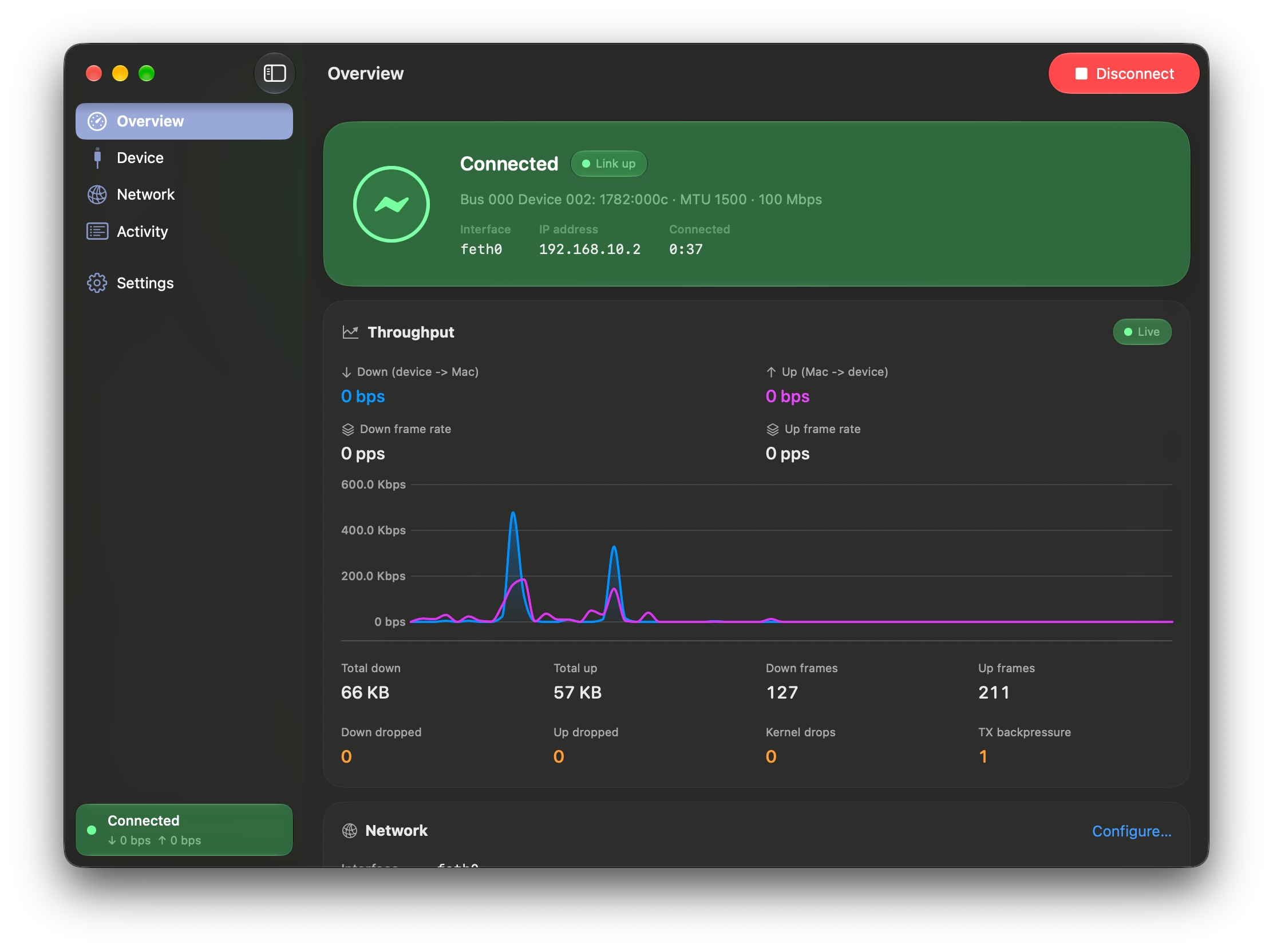
As shown in the app overview above, the GUI is incredibly clean and intuitive. It provides live throughput charts, frame statistics, IP address assignments (e.g., 192.168.10.2), and interface details. Managing your connection is as simple as clicking Connect or Disconnect.
Field Test & Speed Benchmarks
Test Bench Setup
-
Host Machine: MacBook Neo
-
Operating System: macOS 27 Golden Gate
-
Cellular Carrier: Truemove H (LTE Data Plan, Thailand)
-
RNDIS Test Device: D-Link DWR-910M
-
USB-ECM Benchmark Device (Control): ZTE MF833 (True Aircard)
Benchmark Results: D-Link DWR-910M (RNDIS via TetherKitNext)
Using TetherKitNext, the D-Link DWR-910M connected instantly over feth0. Below are two sequential speed tests conducted using Truemove H LTE.
| Test Run | Download Speed | Upload Speed | Ping / Latency |
|---|---|---|---|
| Run 1 | 17.22 Mbps | 2.56 Mbps | 29 ms |
| Run 2 | 5.01 Mbps | 2.24 Mbps | 28 ms |
Comparison Results: ZTE MF833 (Native USB-ECM)
To evaluate if the user-space driver introduces overhead or performance degradation, we tested a native USB-ECM modem (ZTE MF833 under True brand) on the exact same cellular network.
| Test Run | Download Speed | Upload Speed | Ping / Latency |
|---|---|---|---|
| Run 1 | 9.80 Mbps | 21.73 Mbps | 40 ms |
| Run 2 | 2.2 Mbps | 24.3 Mbps | 23 ms |
Analysis
-
Performance Parity: Throughput on the RNDIS device via TetherKitNext is completely comparable to the native USB-ECM connection.
-
Latency & Stability: Ping times remained low (23–29 ms) with zero packet drops or driver instability recorded during active throughput transfers.
-
CPU & Efficiency: Because TetherKitNext operates in user-space without heavy kext dependencies, system overhead on the MacBook Neo remained negligible.
Conclusion
If you’re running macOS 27 Golden Gate and need to tether network traffic from an RNDIS USB modem like the D-Link DWR-910M, TetherKitNext is the essential upgrade.
It solves the driver compatibility gap cleanly, eliminates the security hazards of disabling SIP, and offers a slick UI with real-time bandwidth monitoring.
- Project Repository: AA-EION / TetherKitNext on GitHub