
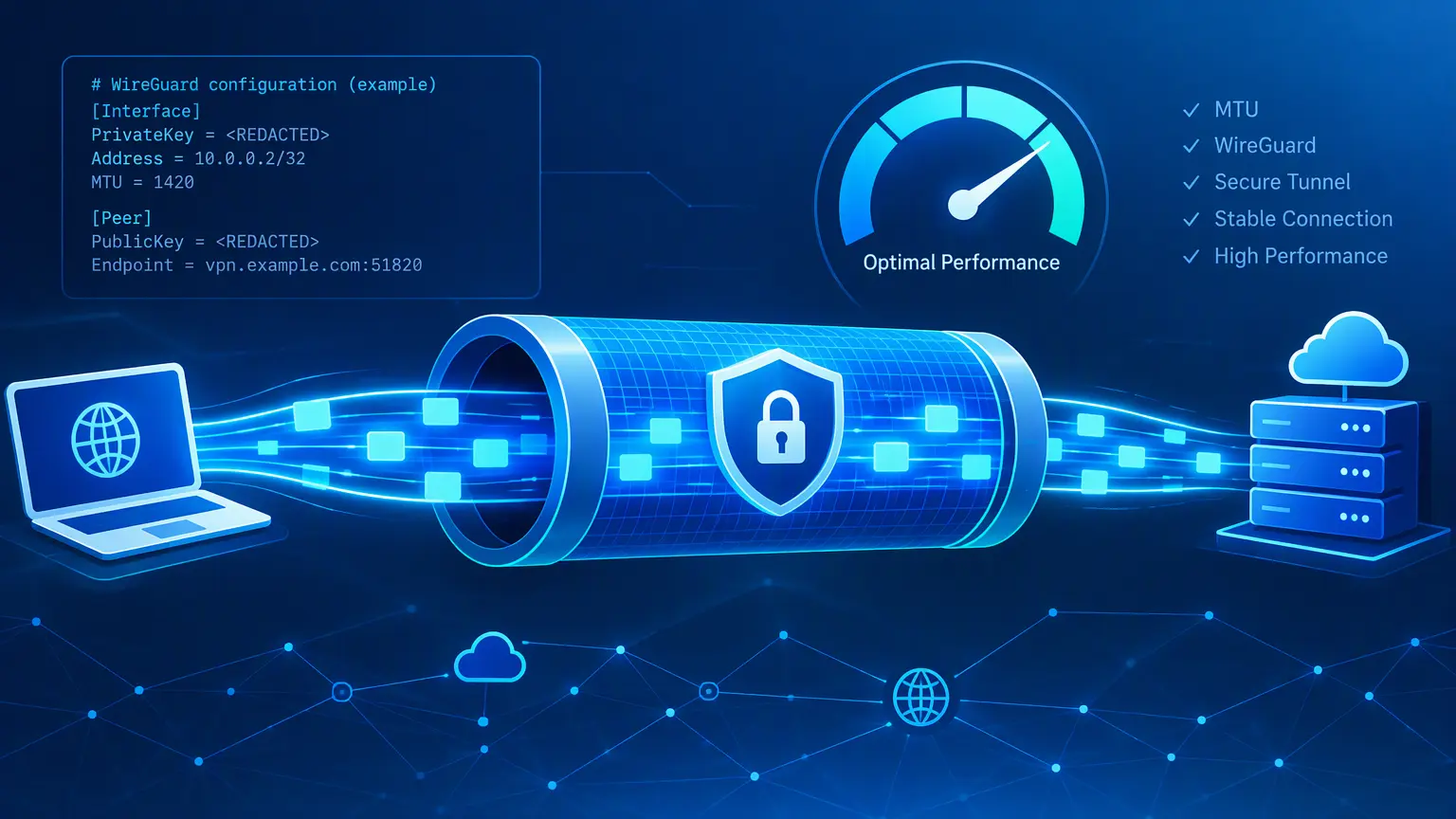
A poorly chosen Maximum Transmission Unit (MTU) can make a WireGuard VPN feel unreliable even when the tunnel is technically connected. Common symptoms include slow-loading websites, stalled downloads, broken video calls, or services that work only intermittently.
The solution is not to guess. You can measure the largest packet your network path can carry without fragmentation, then calculate an appropriate MTU for both the underlying connection and the WireGuard tunnel.
What MTU Means
MTU is the largest IP packet size, in bytes, that an interface or network path can transmit without splitting it into smaller fragments.
Ethernet commonly uses an MTU of 1500 bytes, but the usable value may be lower because of technologies such as:
- PPPoE
- VLAN tagging
- Mobile and LTE networks
- Additional routing or provider encapsulation
- VPN encapsulation, including WireGuard
WireGuard adds overhead to every tunneled packet. Therefore, the WireGuard interface MTU must normally be lower than the available MTU on the path to the WireGuard server.
Why Incorrect MTU Settings Cause Problems
When a packet is larger than the path supports, one of two things happens:
- The packet is fragmented, which adds overhead and can reduce performance.
- The packet is dropped because fragmentation is not permitted.
The second case is especially troublesome. Some networks or firewalls block the ICMP messages that would normally tell devices to use smaller packets. This creates an MTU black hole: small traffic works, while larger requests appear to hang or fail.
A correctly sized MTU helps avoid these failures and reduces unnecessary fragmentation.
Measure the Path MTU with Ping
The basic approach is to send ICMP echo requests with fragmentation disabled. Increase the payload size until the packet no longer passes, then use the largest successful value.
For IPv4, a standard ping payload does not include the 20-byte IPv4 header and 8-byte ICMP header. Therefore:
$$ \text{Path MTU} = \text{Largest ping payload} + 28 $$
For example, if a payload of 1452 bytes succeeds but anything larger fails:
$$ 1452 + 28 = 1480 $$
The path MTU is 1480 bytes.
Test against the actual WireGuard server endpoint when determining the MTU of the path that carries WireGuard’s encrypted UDP packets.
Ping Commands by Operating System
Windows
Use -f to prevent fragmentation and -l to set the payload size:
ping -f -l 1452 vpn.example.comIf the payload is too large, Windows typically returns:
Packet needs to be fragmented but DF set.Linux
Use -M do to set the “Don’t Fragment” bit and -s to define payload size:
ping -M do -s 1452 vpn.example.comIf the payload is too large, you may see:
ping: local error: message too long, mtu=1480or no replies from the destination.
macOS
On macOS, use -D to prevent fragmentation and -s for payload size:
ping -D -s 1452 vpn.example.comIf the packet is too large, macOS may report an error such as:
ping: sendto: Message too longFind the Largest Working Payload
Start with a likely payload size, such as 1472 for a standard 1500-byte IPv4 path:
ping -M do -s 1472 vpn.example.comIf it fails, reduce the number. If it succeeds, try a larger value until it fails. A binary-search approach is faster than decreasing one byte at a time.
For example:
- Test 1472.
- If it fails, test 1450.
- If 1450 works, test 1460.
- Continue narrowing the range.
- Record the largest value that succeeds consistently.
Run several pings at the final value to confirm the result:
ping -M do -s 1452 -c 10 vpn.example.comConvert Ping Payload to Path MTU
For IPv4:
$$ \text{Path MTU} = \text{Ping payload} + 28 $$
| Largest successful IPv4 ping payload | Calculated path MTU |
|---|---|
| 1472 | 1500 |
| 1452 | 1480 |
| 1392 | 1420 |
For IPv6, the header calculation differs:
$$ \text{IPv6 Path MTU} = \text{Ping payload} + 48 $$
That is 40 bytes for the IPv6 header plus 8 bytes for the ICMPv6 header. Use IPv4 calculations only when your test traffic is using IPv4.
Calculate a WireGuard MTU
WireGuard encapsulates traffic in UDP and adds protocol overhead. For a typical WireGuard tunnel transported over IPv4, a safe estimate is:
$$ \text{WireGuard MTU} = \text{Outer path MTU} - 60 $$
The 60-byte allowance accounts for:
- 20 bytes: outer IPv4 header
- 8 bytes: UDP header
- 32 bytes: WireGuard data message overhead
For an IPv6 outer path, use a larger allowance:
$$ \text{WireGuard MTU} = \text{Outer path MTU} - 80 $$
This accounts for the larger 40-byte IPv6 header.
In practice, reducing the calculated value by a few more bytes can provide a conservative safety margin when the route is variable, such as on a mobile connection.
Example 1: Fibre Connection Using PPPoE and VLAN
Suppose the largest successful ping payload to the WireGuard server is 1452 bytes.
First, calculate the path MTU:
$$ 1452 + 28 = 1480 $$
Then subtract typical WireGuard-over-IPv4 overhead:
$$ 1480 - 60 = 1420 $$
Recommended WireGuard MTU: 1420
This is a common result for a connection where PPPoE reduces the usable Ethernet MTU from 1500 to 1492, with additional overhead or path constraints leaving an effective MTU of 1480.
Example 2: LTE Connection with a 1500-Byte Path MTU
Suppose the largest successful payload is 1472 bytes.
$$ 1472 + 28 = 1500 $$
The outer path supports a full 1500-byte IPv4 packet. For WireGuard over IPv4:
$$ 1500 - 60 = 1440 $$
Recommended WireGuard MTU: 1440
This is appropriate when the LTE route truly supports 1500-byte packets end to end. However, mobile networks can change routes and packet handling dynamically, so testing at different times and locations is worthwhile.
Example 3: Testing Traffic Through the WireGuard Tunnel
Suppose a ping sent through an already established WireGuard tunnel has a maximum successful payload of 1392 bytes.
$$ 1392 + 28 = 1420 $$
This result indicates that the tunnel’s effective inner IPv4 MTU is 1420 bytes.
In this scenario, 1420 is the effective maximum packet size available to devices using the tunnel. It does not automatically prove that the outer physical interface is also configured to 1420; it measures the usable MTU after WireGuard encapsulation.
Where to Set the MTU
There are two separate values to consider.
| Setting | Purpose | Typical value |
|---|---|---|
| Physical/WAN interface MTU | Maximum packet size supported by the ISP path | 1480, 1492, or 1500 |
| WireGuard interface MTU | Maximum inner packet size before WireGuard adds UDP and encryption overhead | 1420 or 1440 |
On a WireGuard configuration, the setting typically appears as:
[Interface]
Address = 10.0.0.2/24
PrivateKey = <private-key>
MTU = 1420Apply the MTU consistently to the WireGuard interface on relevant clients and servers, particularly when devices route traffic through the VPN.
Practical Recommendations
| Connection scenario | Measured outer path MTU | Suggested WireGuard MTU |
|---|---|---|
| Standard Ethernet or LTE path | 1500 | 1440 |
| PPPoE or constrained fibre path | 1480 | 1420 |
| Known tunnel inner MTU | 1420 | 1420 |
| Uncertain or unstable mobile path | Varies | Start at 1380–1420 and test |
A lower MTU is generally safer, but it is not always better. Setting it unnecessarily low increases packet overhead and can slightly reduce throughput. Start with the measured value, then reduce it only if problems persist.
Troubleshooting Tips
- Test the route to the WireGuard server’s public IP address, not only a destination inside the VPN.
- Confirm whether the ping command is using IPv4 or IPv6; the header calculations differ.
- Test from each client network separately. Home fibre, office Wi-Fi, and mobile data may produce different results.
- Retest after changing ISPs, routers, access technologies, or VPN hosting providers.
- If a calculated MTU works inconsistently, reduce it in small steps, such as 10–20 bytes.
- Consider testing TCP-heavy workloads after changing the MTU, including websites, large downloads, and video calls.
Conclusion
The best WireGuard MTU is not a universal number. It depends on the smallest supported packet size along the path between the client and the WireGuard server.
Measure the largest unfragmented ping payload, convert it to a path MTU, subtract WireGuard’s encapsulation overhead, and validate the result with real traffic. For many IPv4 WireGuard deployments, 1420 is a reliable value, while networks with a full 1500-byte path can often use 1440.