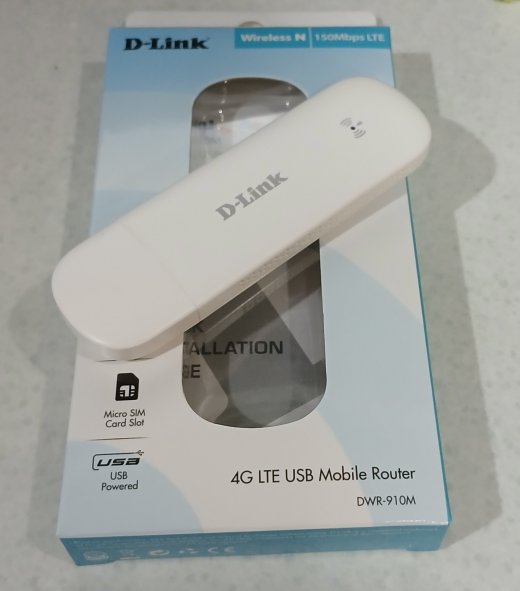
Some usb aircards I tested (link) do not work out of the box with Linux (OpenSUSE Tumbleweed kernel 6.8-6.9). After some research I found that the ‘rndis_host’ kernel module is blacklisted by default due to security reason. However many device manufaturers still use it for compatibility with Windows.
The module is blacklisted in /usr/lib/modprobe.d/50-blacklist-rndis.conf.
# RNDIS is considered insecure (bsc#1205767, jsc#PED-5731)
blacklist rndis_wlan
blacklist usb_f_rndis
blacklist rndis_hostWorkaround
There are 2 ways to make rndis devices work with Linux.
- Remove ‘rndis_host’ from being blacklisted.
$ sudo ln -s /dev/null /etc/modprobe.d/50-blacklist-rndis.confor 2. Create a udev rule per device to load ‘rndis_host’ module as device is plugged in. Create a file at ’/etc/udev/rules.d/99-rndis-host.rules’ with the content:
#D-Link DWR-910M
ATTR{idVendor}=="1782", ATTR{idProduct}=="000c", RUN+="/sbin/modprobe rndis_host"Change “vendor id” and “product id” to be ids of the device.
D-Link aircard requires rndis_host module.